
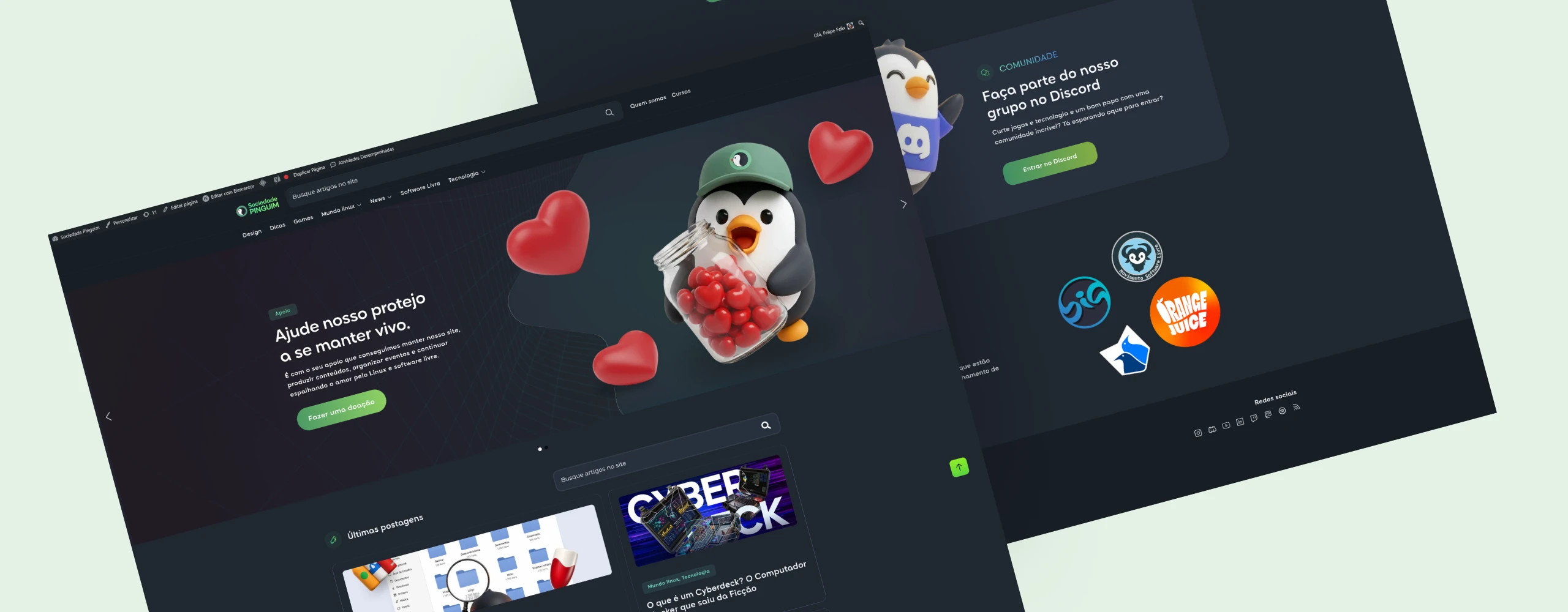
The project
The Penguin Society is a community for sharing news about technology, Linux, and free software. We started this project because we needed a central place for our team to post articles, share tech news, and organize the free classes we offer on our YouTube channel.
My job was to turn this need into a working, organized website ready to grow, using WordPress as the base.
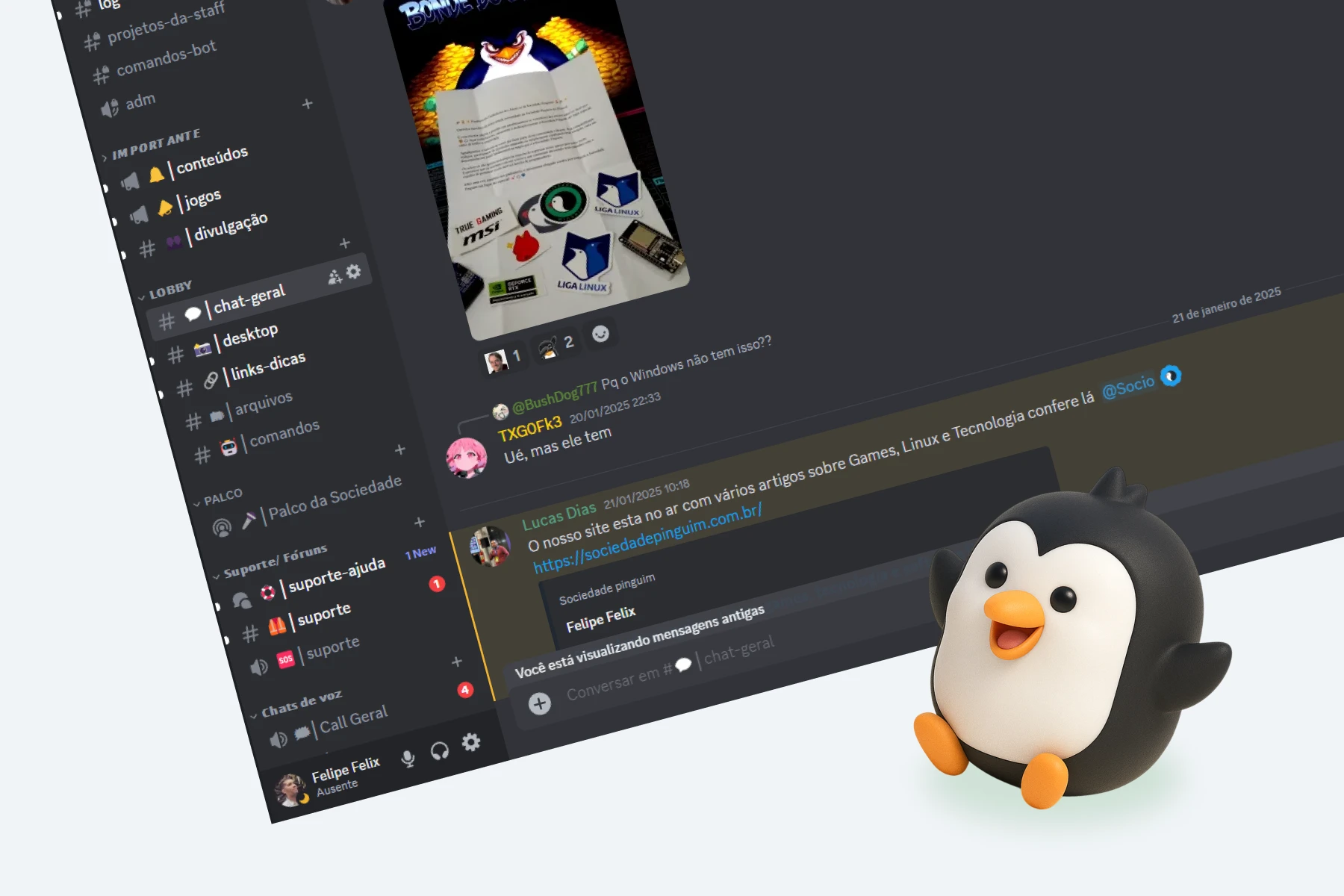
The challenge
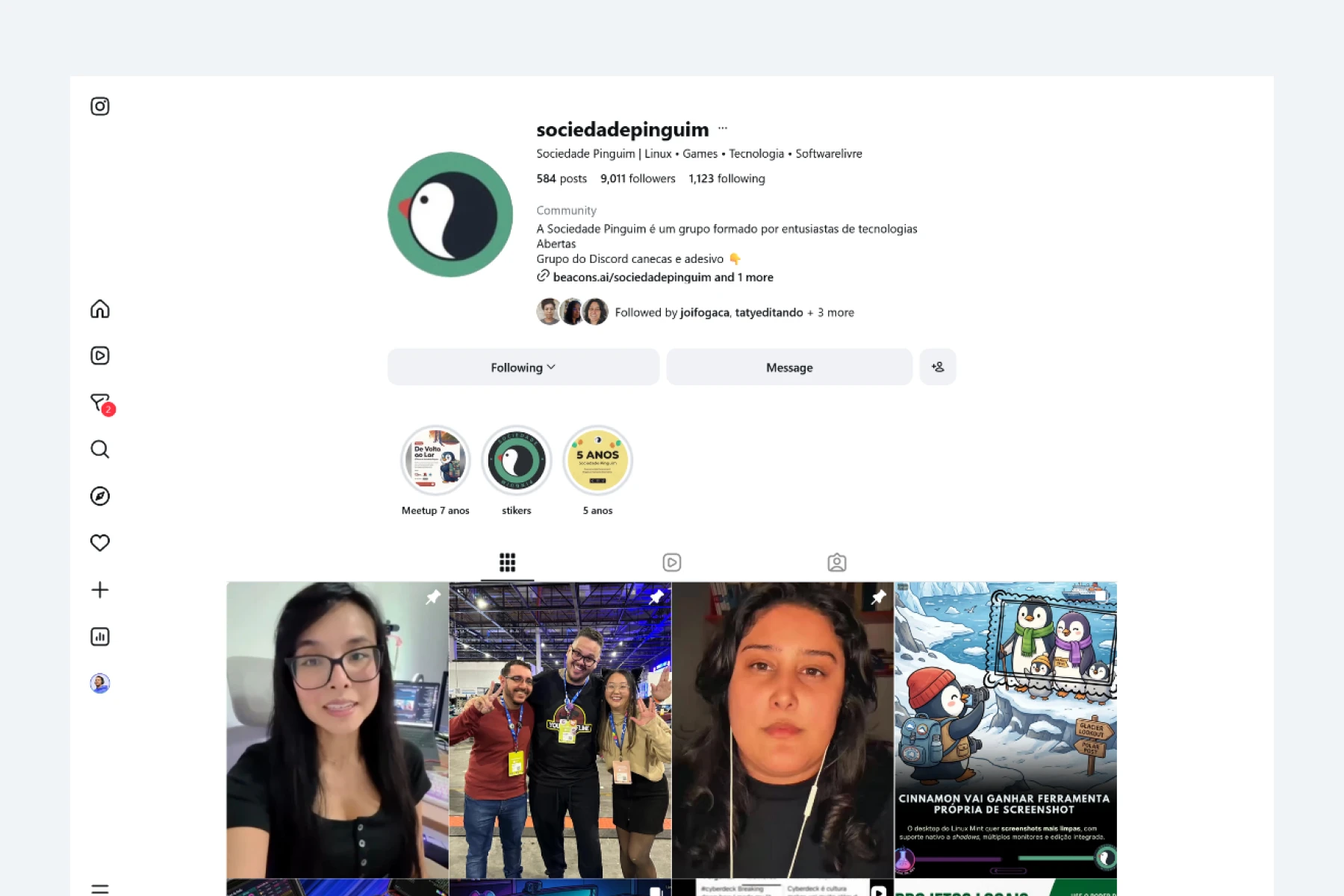
The community’s content was spread across social media and other places, lacking its own portal to better organize information, make the project’s brand stronger, and make it easier for people to find its materials.

Besides building the website itself, it was important that the team could easily post new content and keep the site running on their own, without always needing technical help.
The project had to balance a unique look, easy upkeep, and a setup that could grow along with the community.
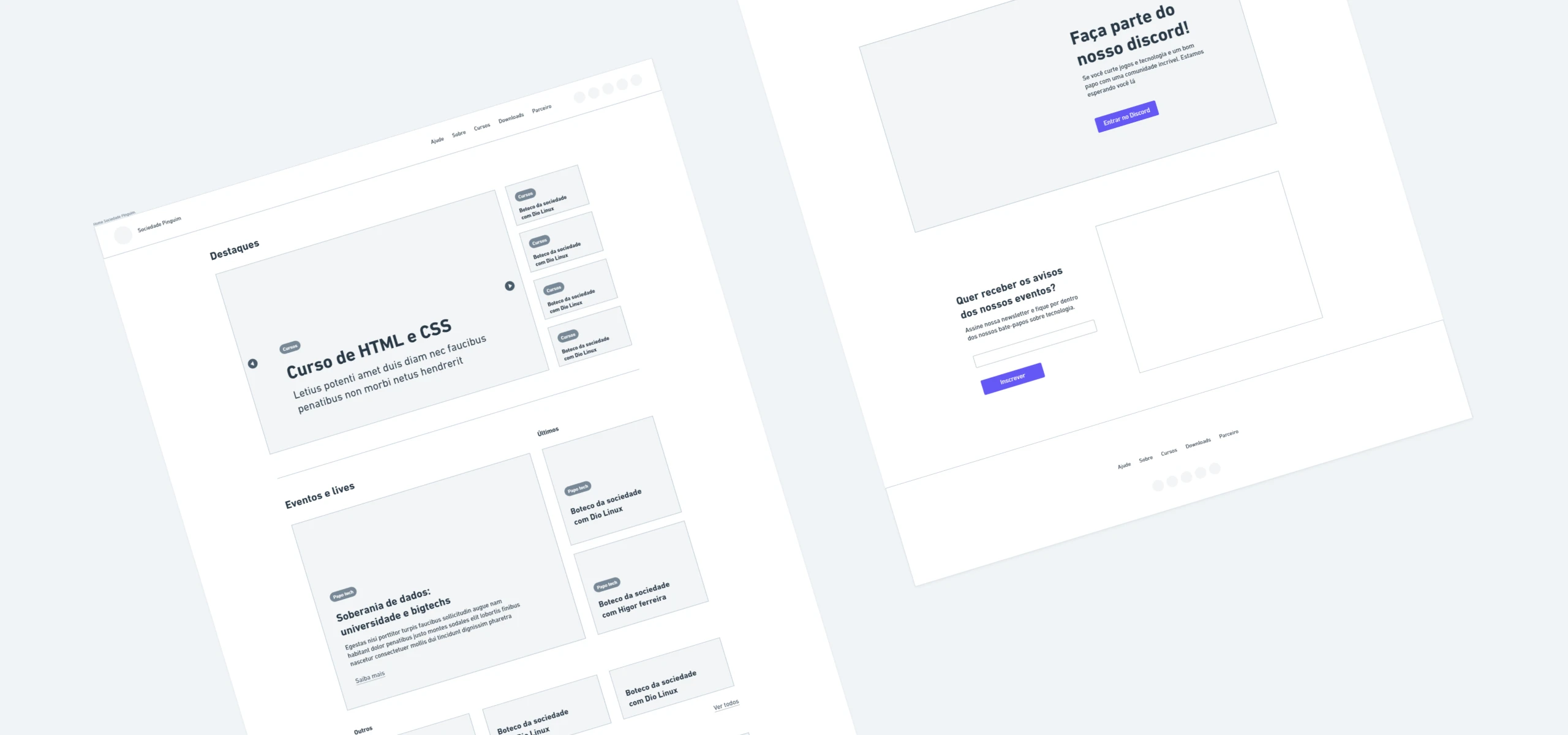
Creating the visual identity
I worked very closely with the Penguin Society team throughout the process. A big part of the job was to understand more about the community, their values and objectives, and how to show that online.
The team wanted the website to look like a computer code terminal, using dark colors and visual parts that matched what we already used on our social media. With these ideas in mind, I built a screen layout that strengthened this look without making it hard to read.
Setting up the website
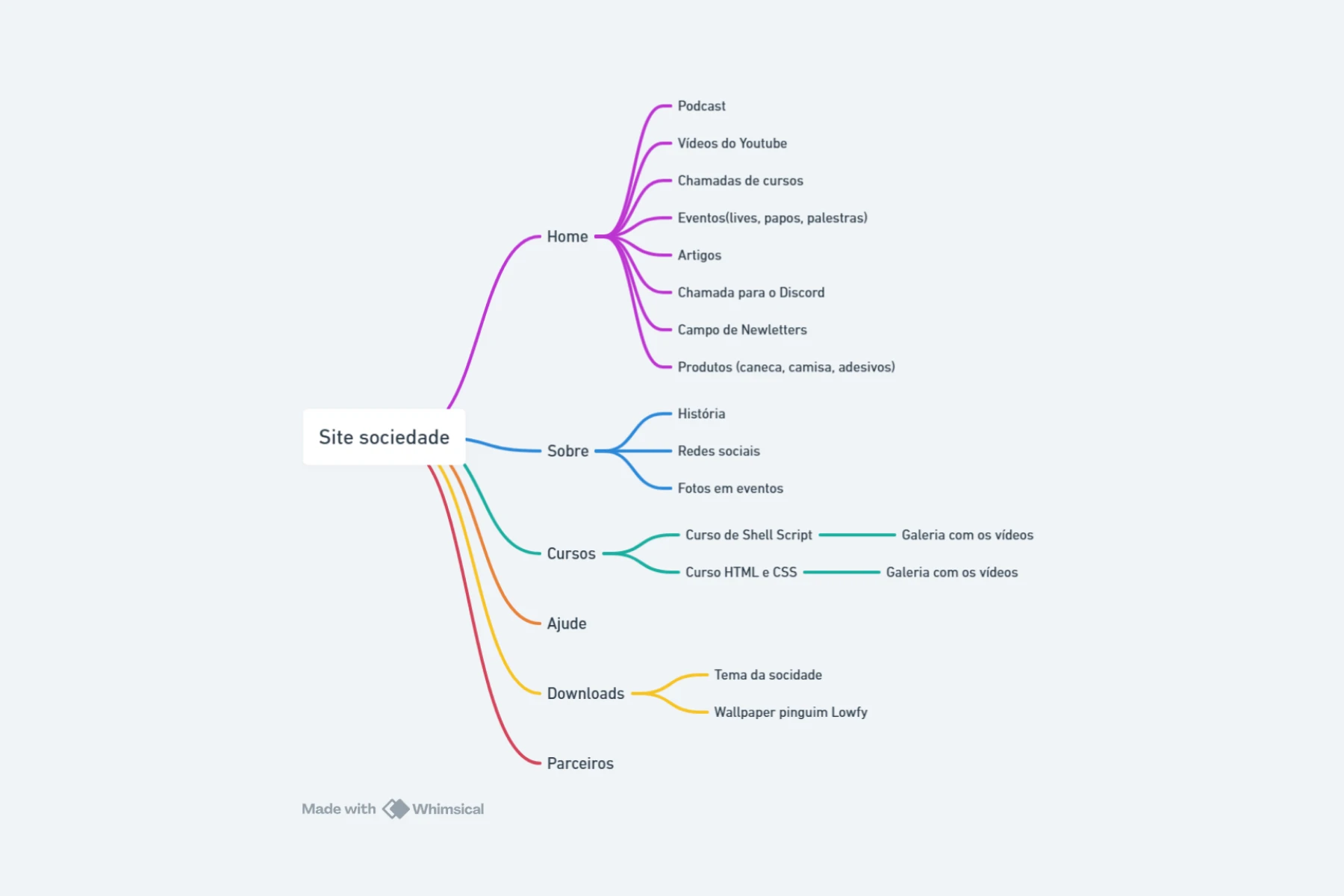
A big part of the project was setting up the website so it would be easy to post things and keep it running for a long time.
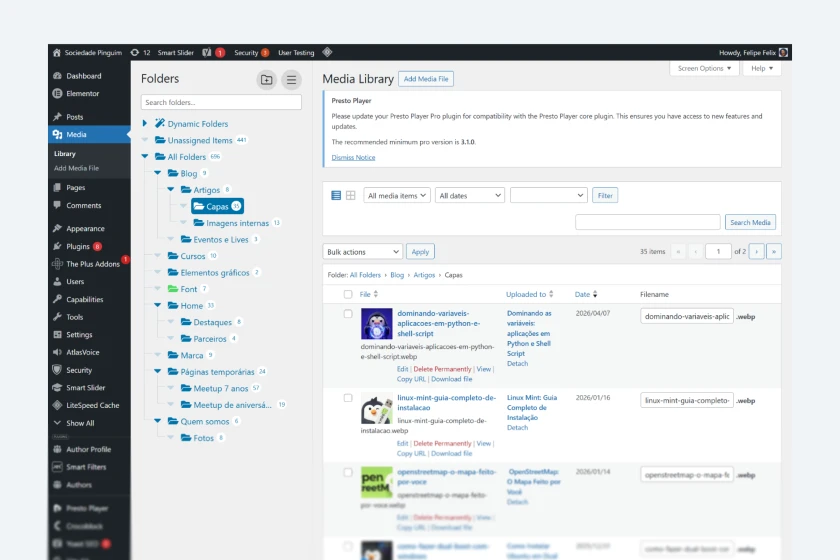
I set the WordPress setup not just for launch day, but for the team’s daily routine. This included sorting content into categories, setting up the blog structure, organizing files inside the system, and taking general steps to make managing the site easier and faster.
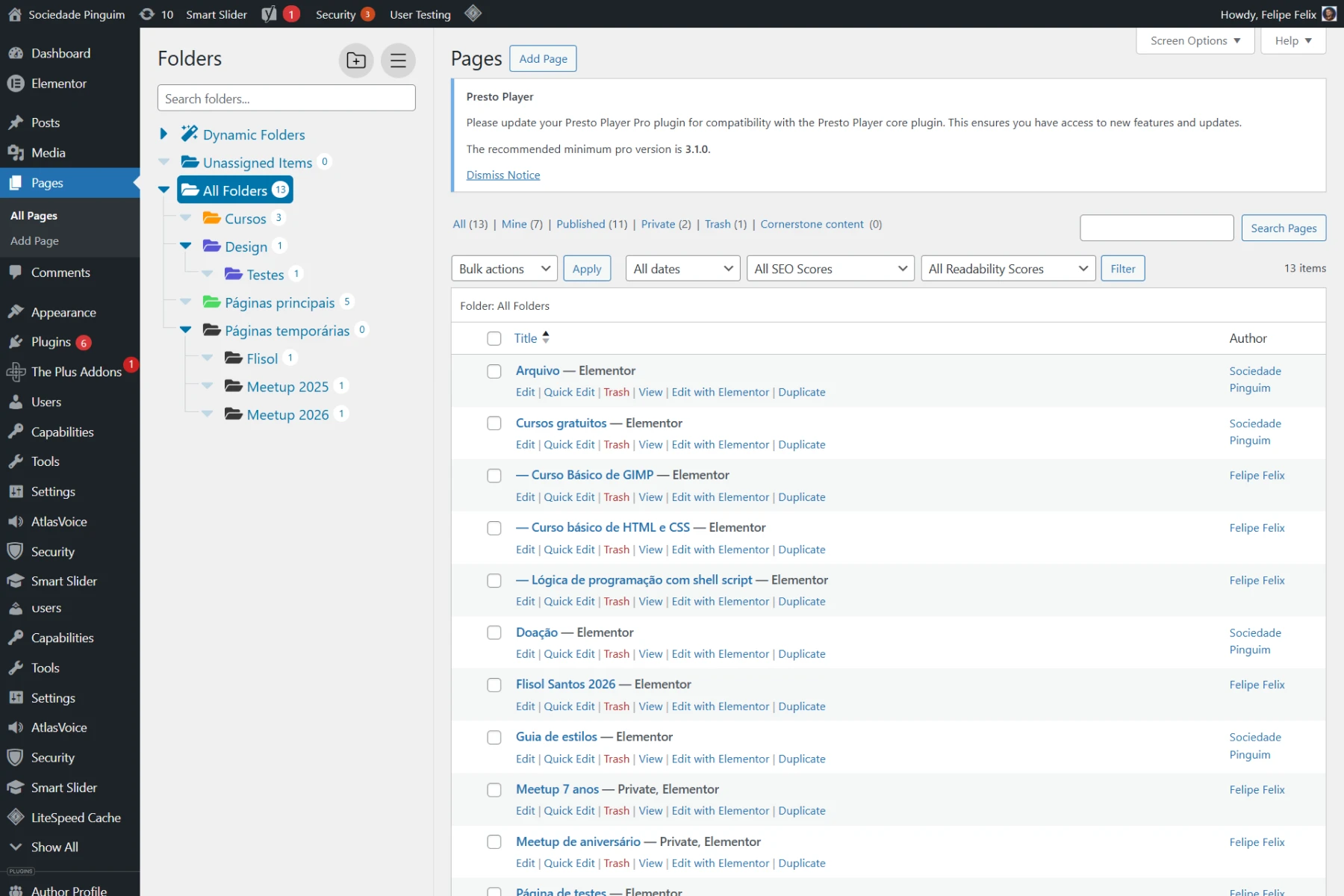
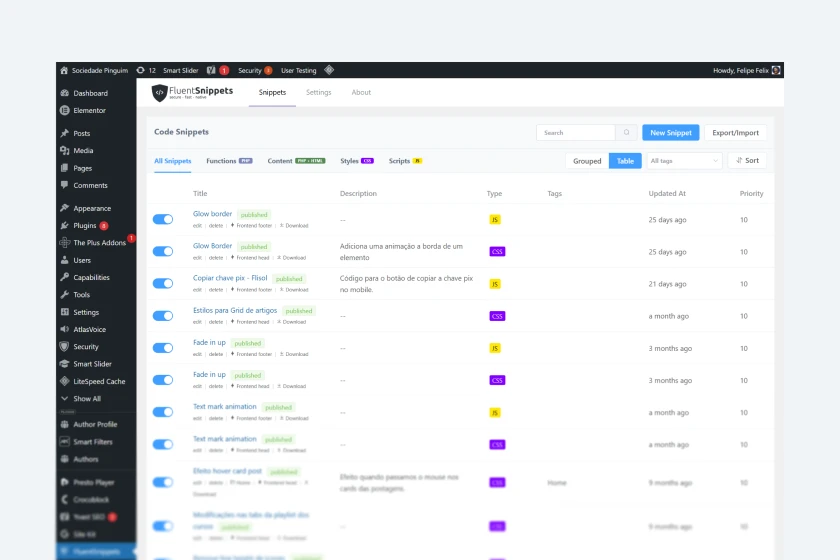
I also made some CSS code changes to adjust small details on the screen and make sure everything looked consistent across different parts of the site.
SEO and traffic data
Another important step was getting the project ready to grow naturally on Google. I set up the rules for SEO (which helps people find the site) and organized the content and connected tracking tools like Google Analytics.
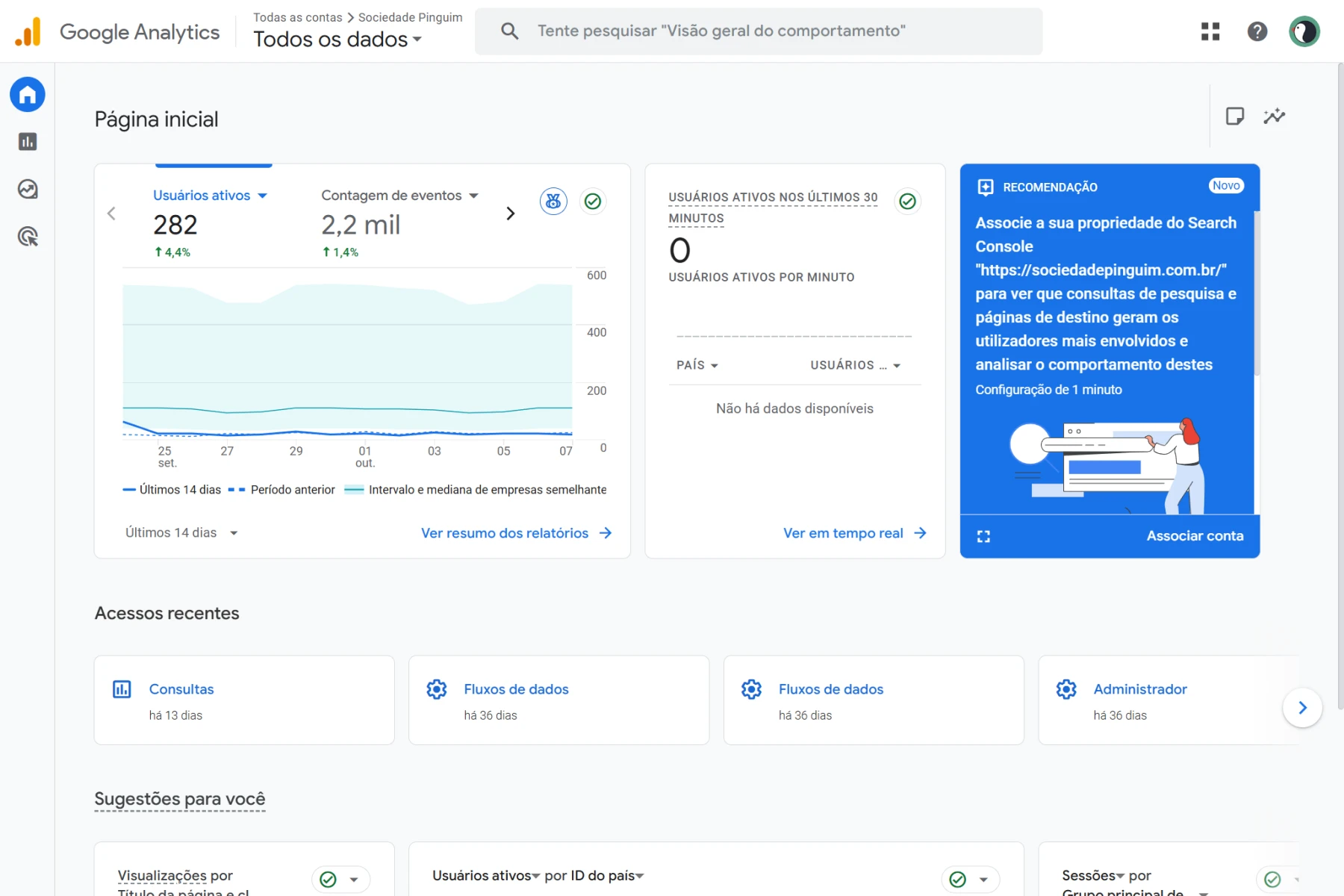
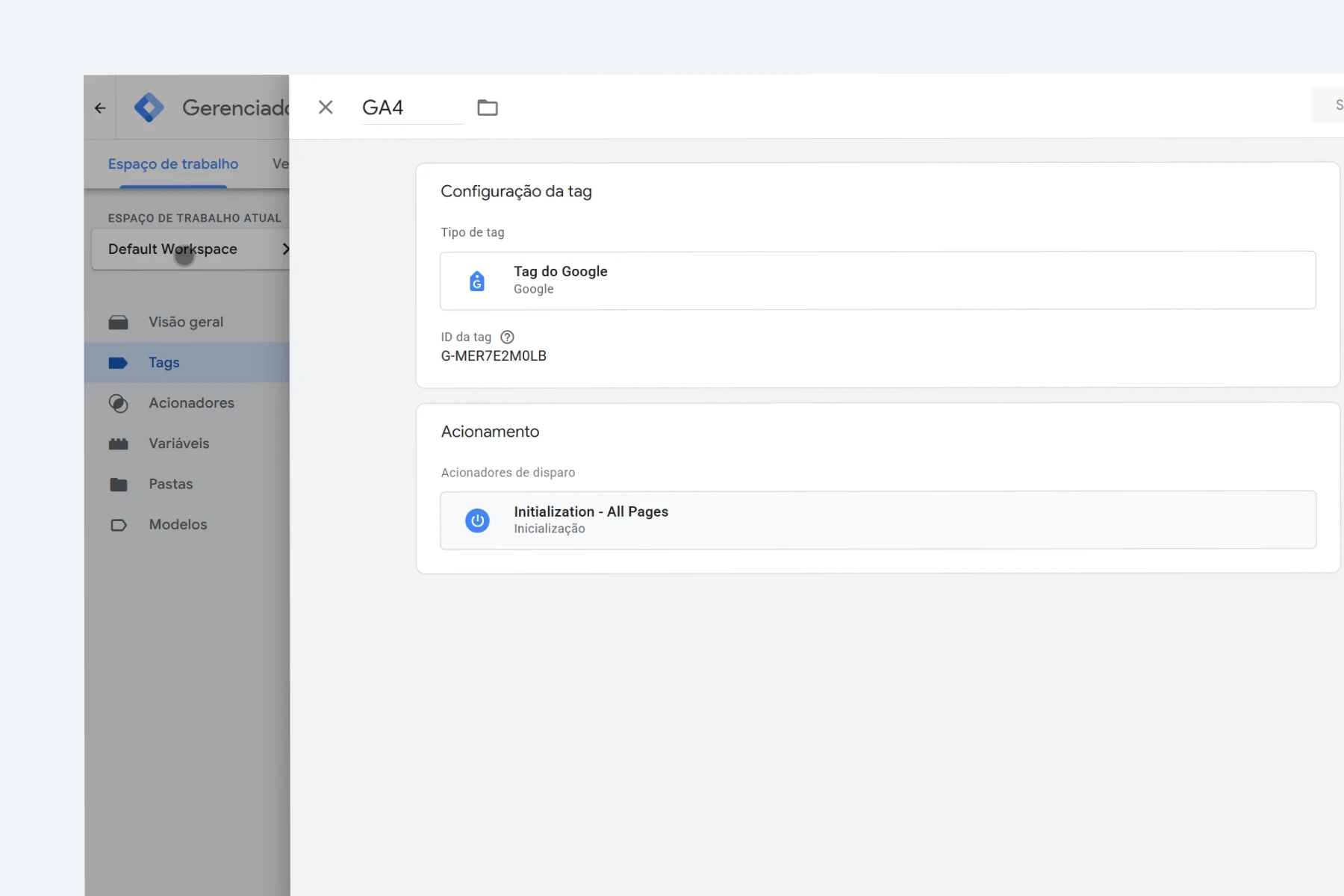
The goal was to let the team see how many people visited, how the site was growing, and what visitors were doing over time. We wanted to build a place ready for more and more content.
Security and maintenance
I also paid special attention to keeping the platform safe and stable.
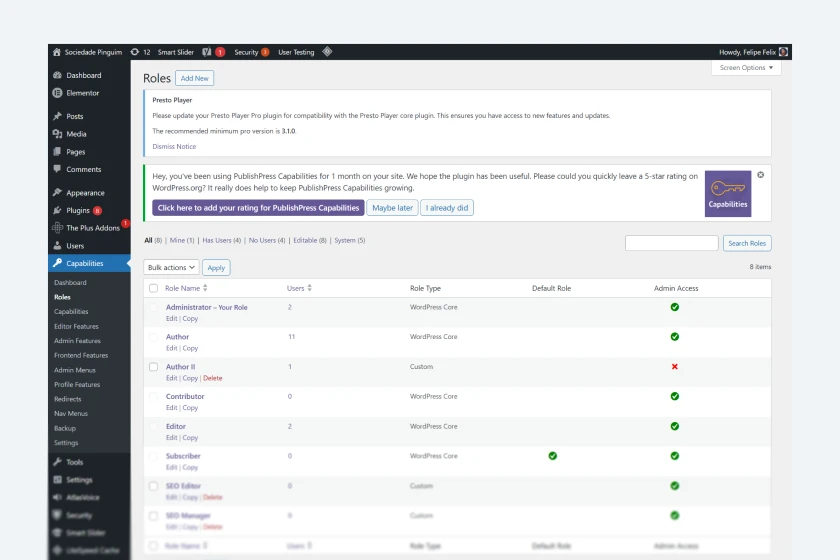
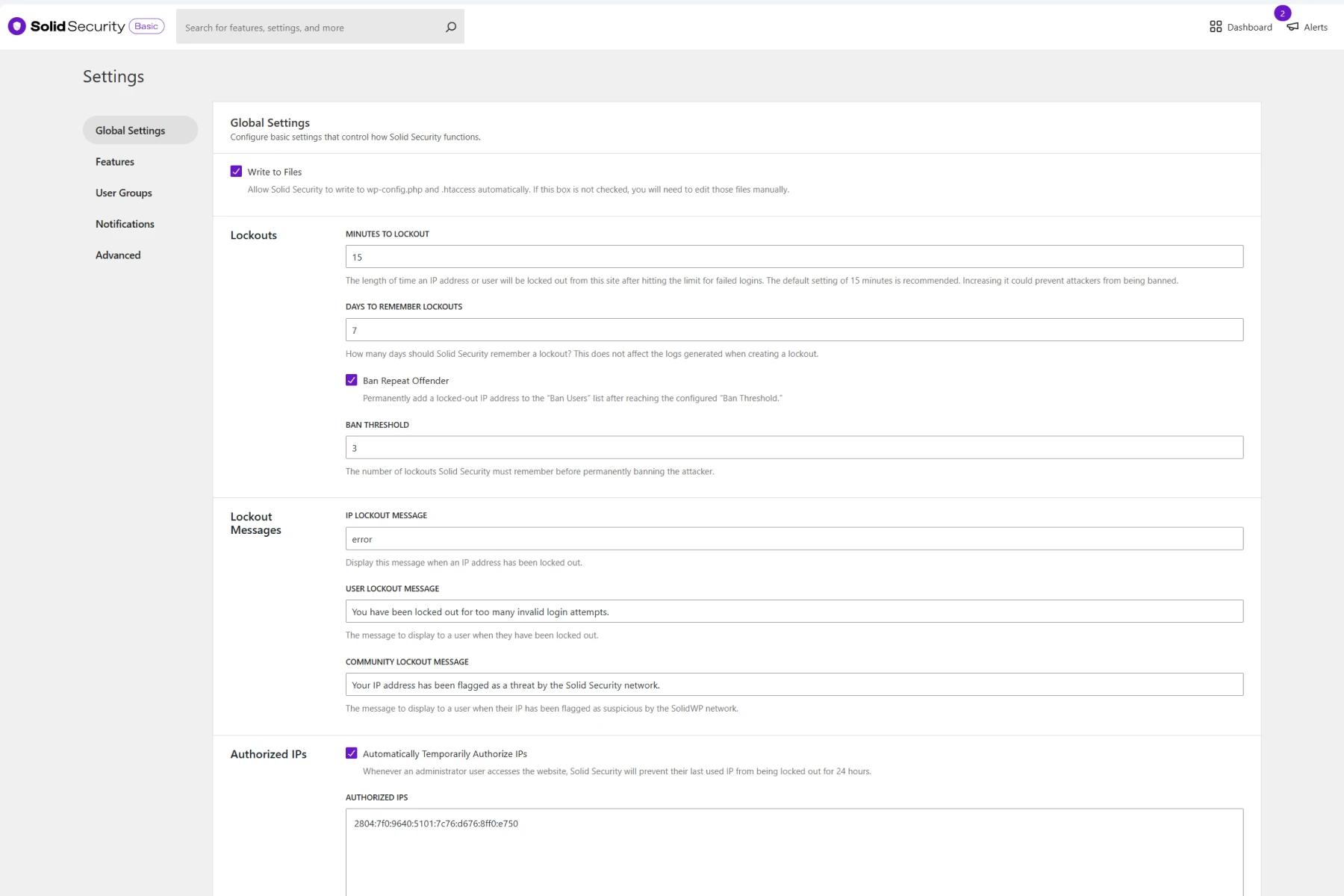
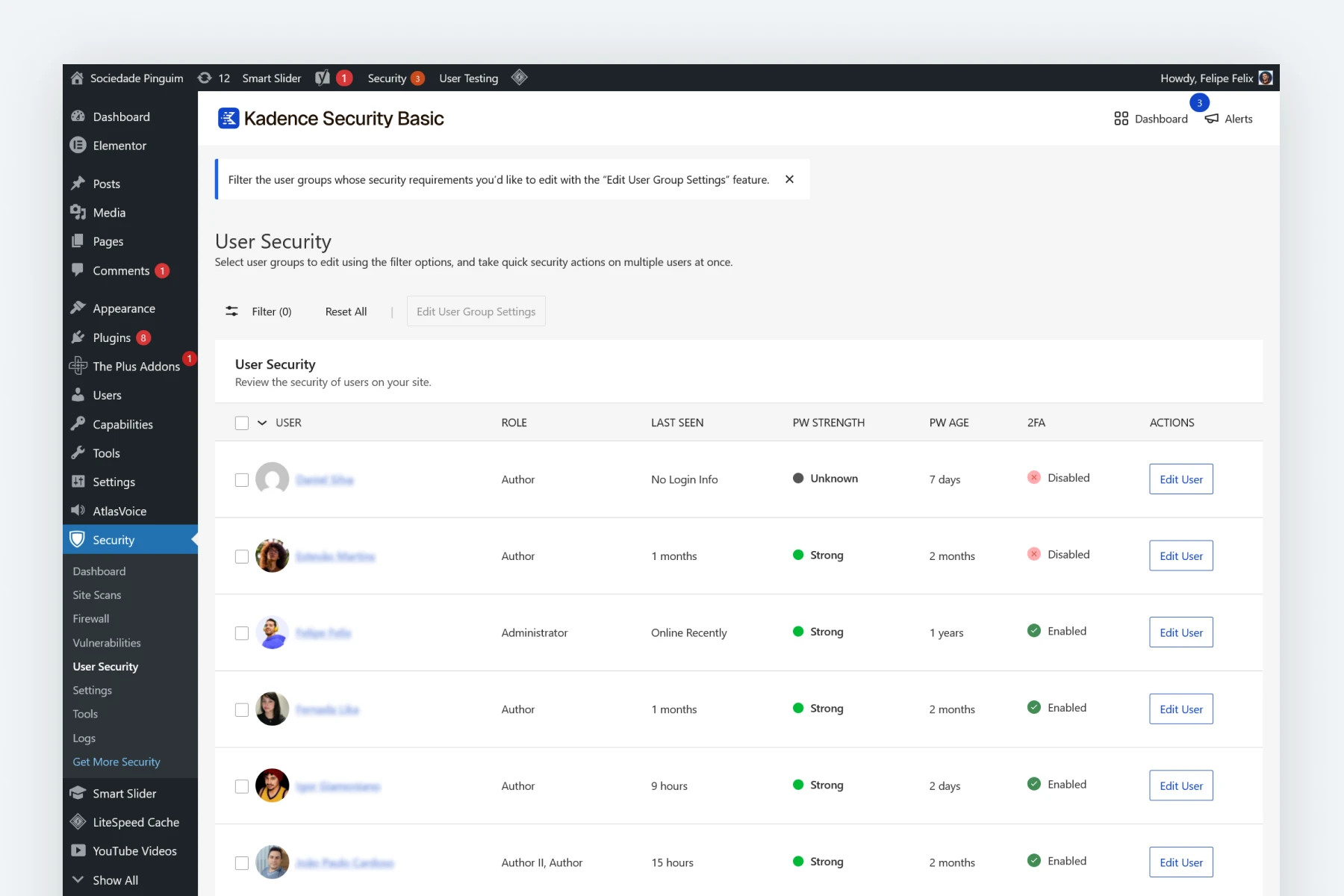
I added security plugins like Solid Security and set a two-step verification login for admin users to make the admin area safer. For other roles, there are different access security measures.
This kind of care is super important, especially for projects where people are always adding new content and many admins are logging in.
Project results
I delivered the website fully ready to publish articles, share courses, and keep growing the community.
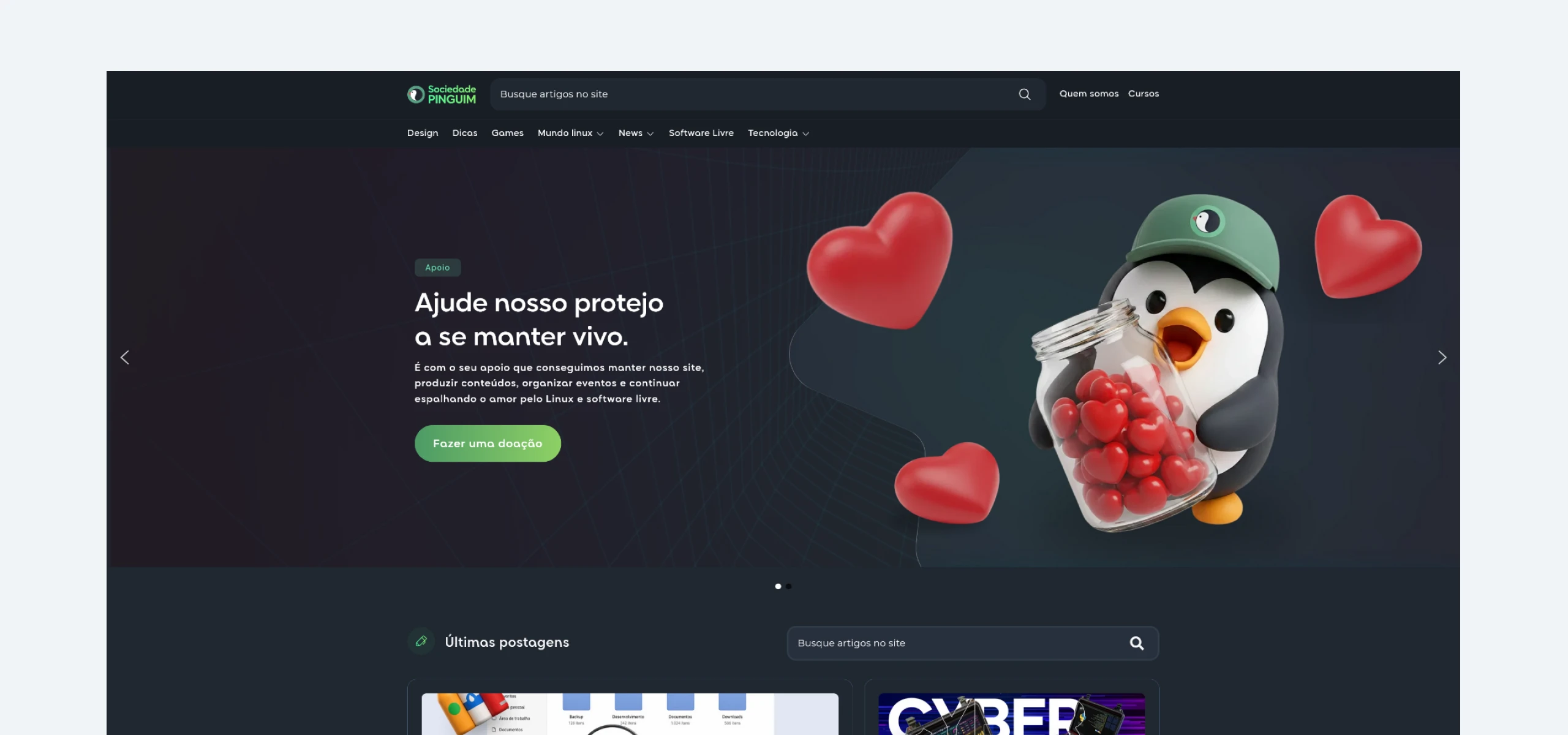
The team loved the project, and the site became the central hub for Penguin Society’s content. Since then, the work keeps getting better. We track visitors, keep the platform running, and plan to add even more content in the future.
Design
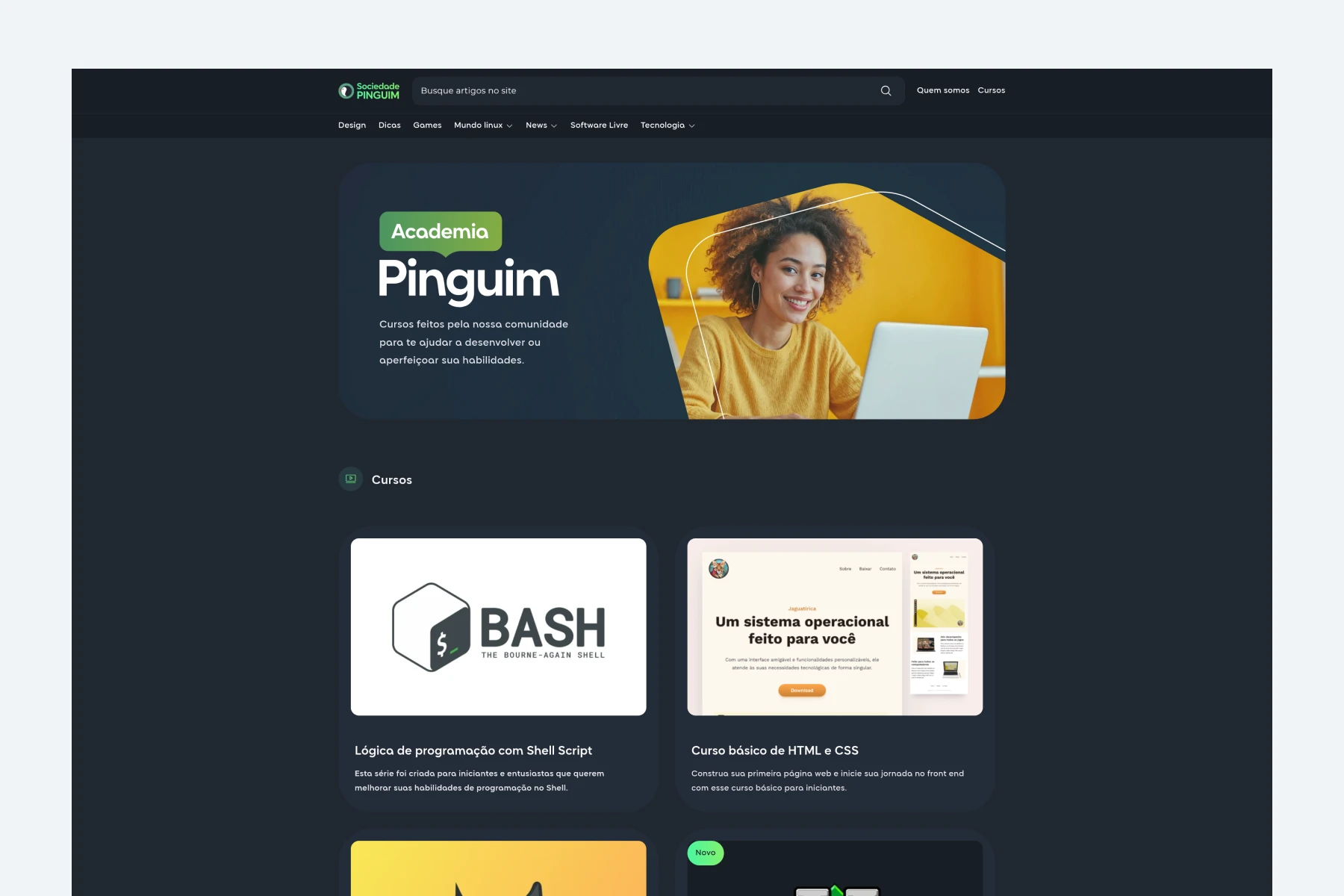
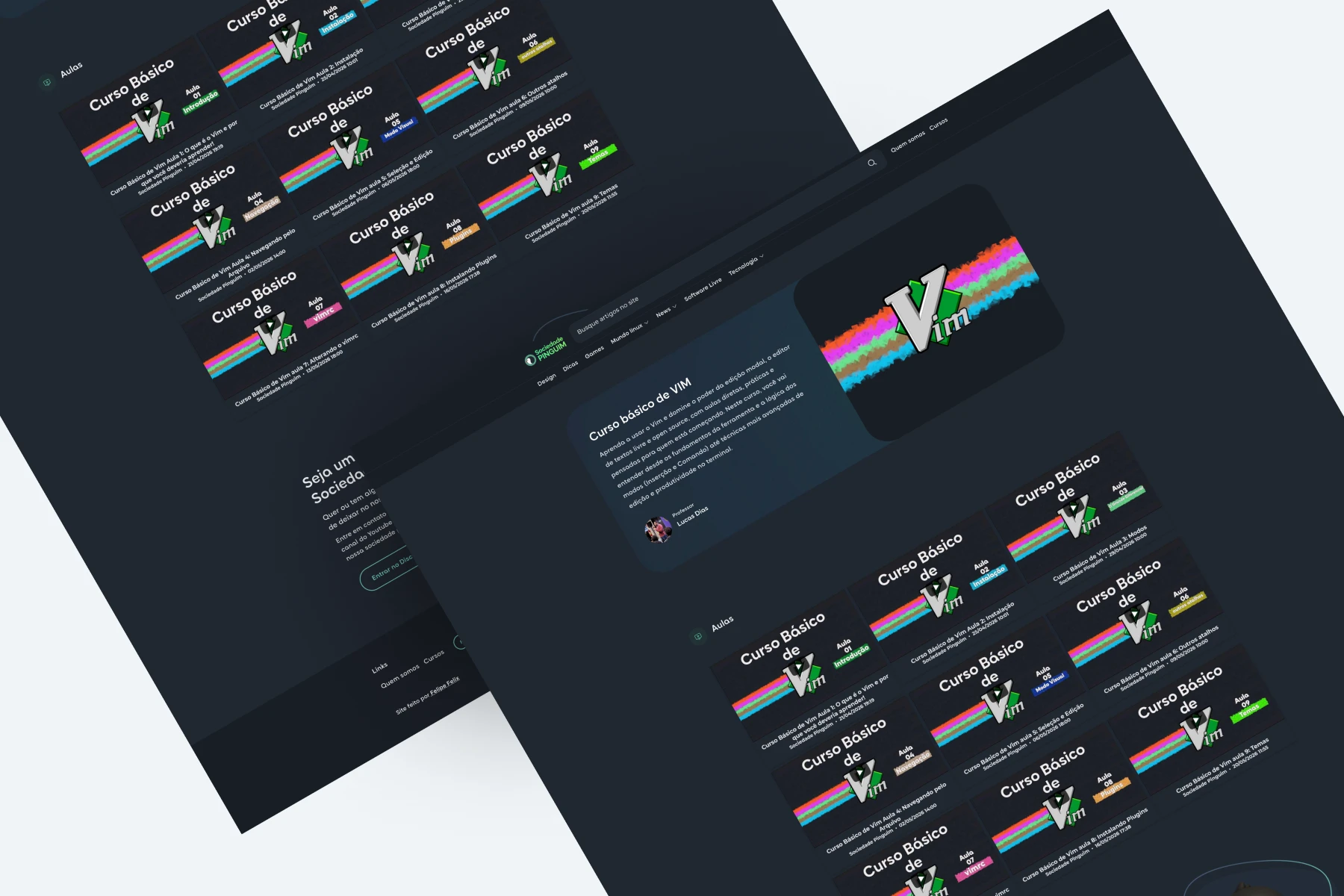
The screens are finished, and we keep making small fixes and improvements whenever needed. The platform is still young today, but it has the potential to become a huge tech news website. My goal is to help reach this dream in the best and most organized way possible.
Team management
Today, I manage and control access for more than 10 people working on the site. Any problem with logging in or security comes straight to me.
Acess numbers
Below, you can see two comparisons from the site’s first year, using the old design and early SEO steps. Compared to that, the numbers for the last three months of 2026 are much higher than the whole year of 2025.
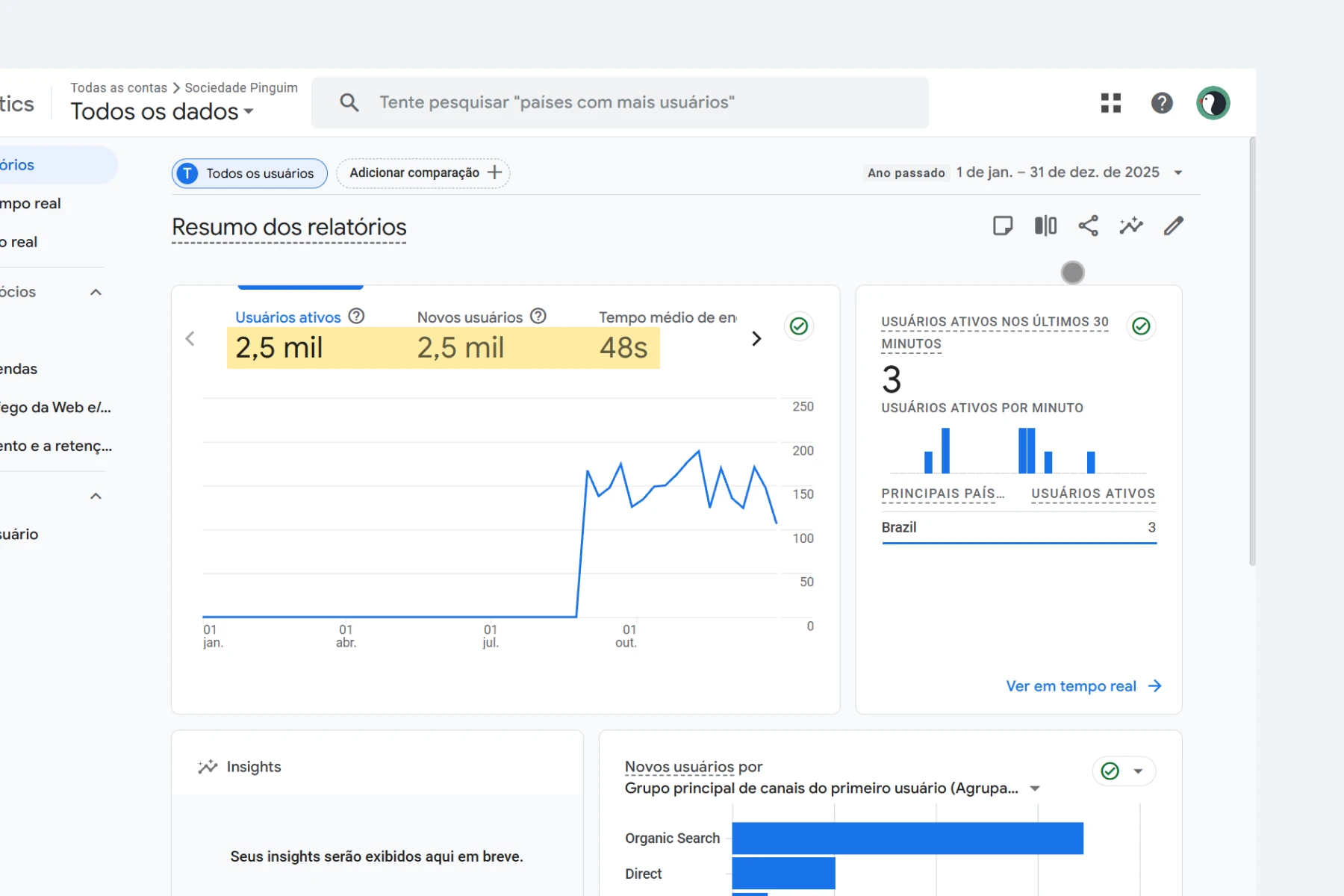
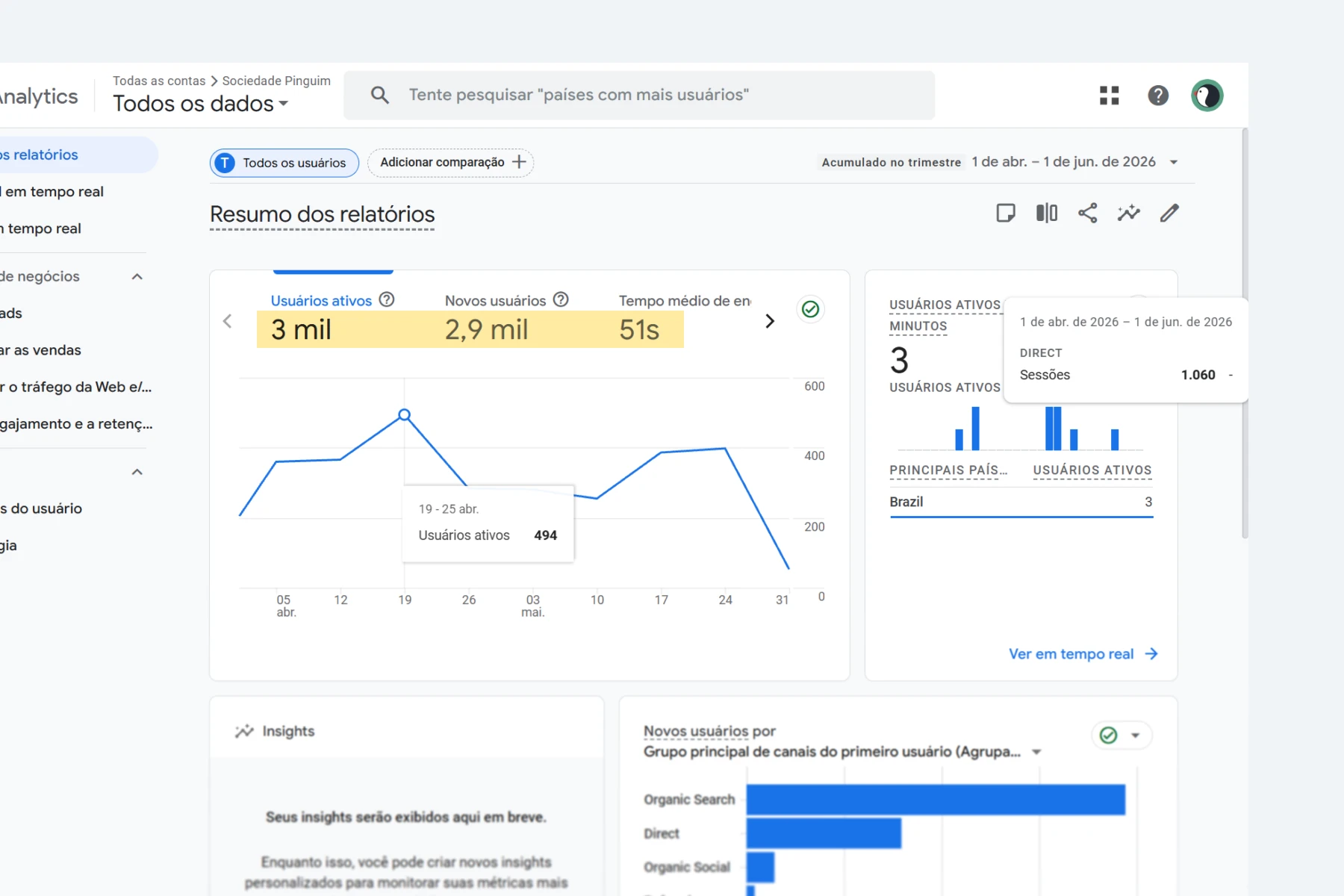
This shows that our constant updates to both the design and the reading experience are bringing great results. This builds a strong base for our next step: finding sponsors and supporters.
What I learned
This project really showed me how important the hidden structure behind a digital experience is. Beyond the visual part, I saw the true value of thinking about maintenance, organizing content, giving the client control, and planning for growth right from the start.
It was also a great chance to dive deeper into WordPress, technical SEO, and building websites meant for constant publishing.

Conclusion
The Penguin Society was a project that combined design, content organization, and website building all into one solution. My goal was to create a strong base so the community could grow, post content on their own, and build a stronger online presence over time.
You can check out the live website by clicking here.